Running a Node Program
The Two Modes of Execution
Section titled “The Two Modes of Execution”You wouldn’t try to drive a car by turning the key and then pushing it down the street, right? (Don’t answer that). In Node.js, we have two distinct ways to get our code running. Understanding the difference is the first step in not looking like a total rookie.
1. The REPL (Read-Eval-Print Loop)
Section titled “1. The REPL (Read-Eval-Print Loop)”This is the “Sandbox” mode. It’s great for quick tests, doing math, or checking if a function does what you think it does. You type node in your terminal, hit enter, and you’re in an interactive shell.
[!NOTE] Think of the REPL as a scratchpad. It doesn’t save your work. Once you exit, it’s gone forever, like a Snapchat message or my patience for unformatted code.
2. Script Execution (The “Real” Way)
Section titled “2. Script Execution (The “Real” Way)”This is how we build actual applications. We write our code in a file (like app.js), save it, and then tell Node’s V8 engine to “ingest” that file and execute every line inside it one by one.
This is the Ignition Sequence:
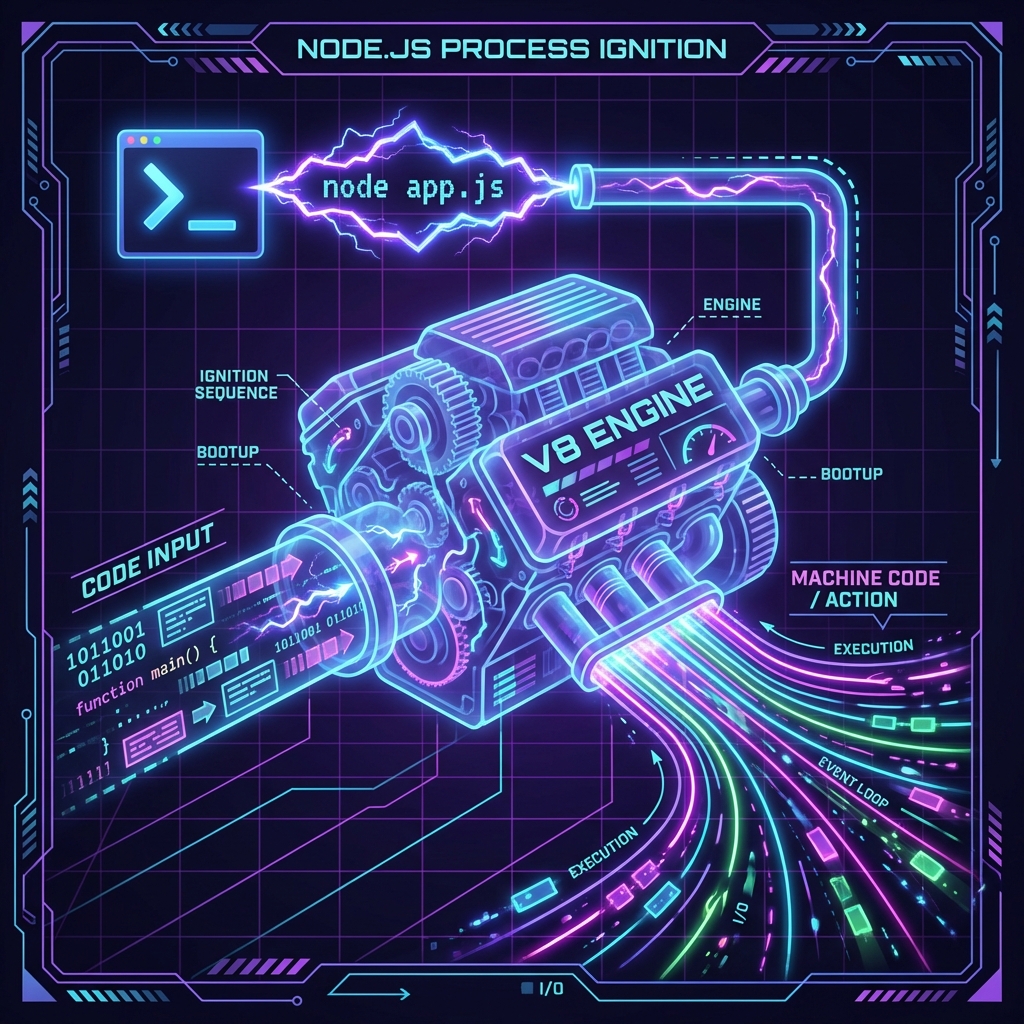
Fig 1. The Node.js Process Lifecycle (Artist’s Dramatization)
The node [filename] Command
Section titled “The node [filename] Command”To run a script, you need to use the node command followed by the relative path to your file.
If your file is named app.js, you simply run:
node app.jsWhen you hit enter, Node:
- Reads the file from your hard drive.
- Parses the JavaScript.
- Executes it.
- Exits immediately when there is no more work to do (unless an Event Loop keeps it alive—more on that later).
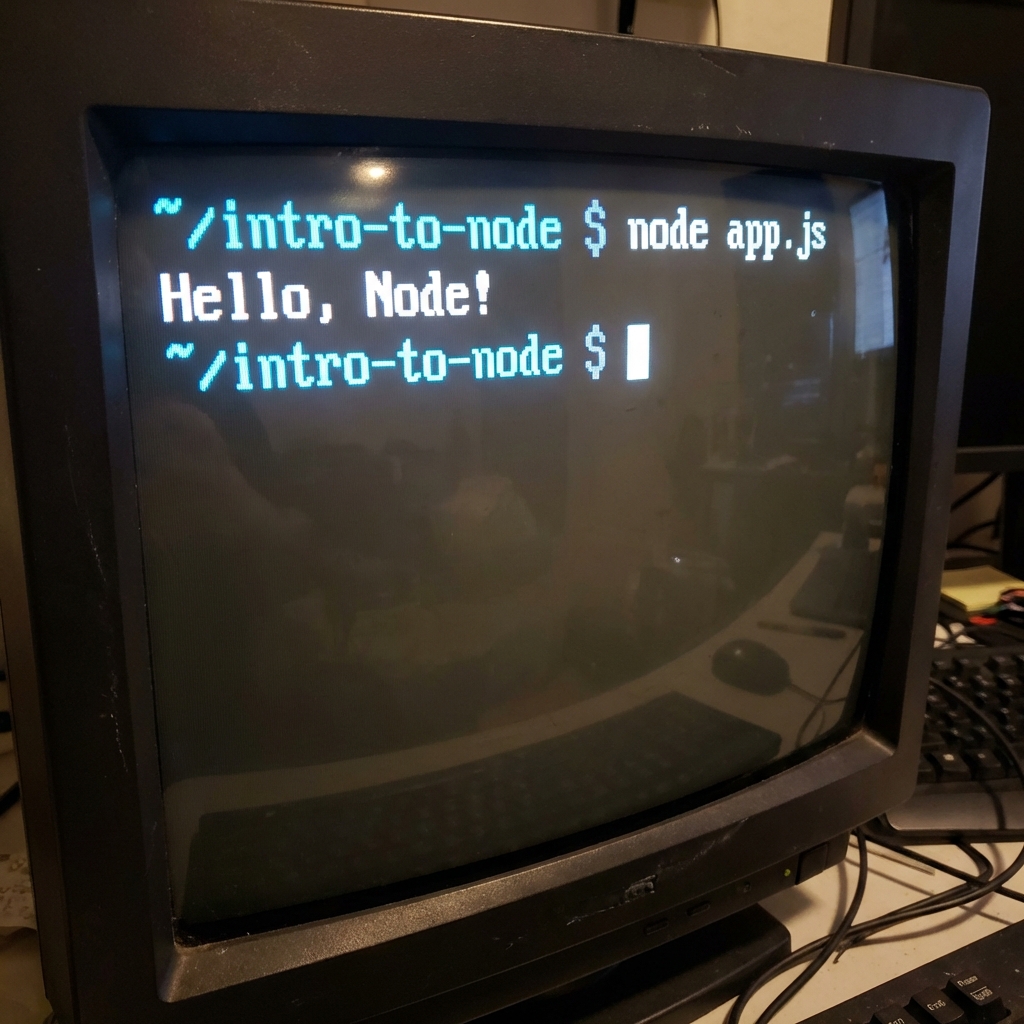
The “Hello Node” Moment
Section titled “The “Hello Node” Moment”If you’ve done everything right, your terminal should look something like this. Bask in the glory of your first server-side output.
Common Pitfalls (Read This or Weep)
Section titled “Common Pitfalls (Read This or Weep)”- Wrong Directory: If you see
Error: Cannot find module..., you are in the wrong folder. Usels(lines) ordir(windows) to check if your file actually exists where you are standing. - Missing Extension: You can technically run
node app, but please don’t. Be explicit. Usenode app.js. - The Hanging Process: If your terminal doesn’t give you the prompt back, your code is still running (probably an infinite loop or an open server).
Ctrl + Cis your escape hatch.
⏭ nodemon: The Watcher in the Code
Section titled “⏭ nodemon: The Watcher in the Code”Save your fingers from typing node app.js 500 times a day