node --watch & nodemon
The Perfectionist Director
Section titled “The Perfectionist Director”Imagine you’re directing a movie scene. Every time an actor flubs a line (a bug) or you decide to change the dialogue (code edit), you have to yell “CUT!”, reset the entire stage, and shout “ACTION!” again.
In Node.js terms, this is the manual cycle of:
- CTRL+C (CUT!)
- Up Arrow + Enter (ACTION!)
Doing this hundreds of times a day is exhausting. You need an assistant who watches your script and instantly resets the stage the moment you rewrite a line.
The Modern Way: Native Watch Mode (node --watch)
Section titled “The Modern Way: Native Watch Mode (node --watch)”In the past, we had to hire external contractors for this. But as of Node.js v18.11+, this assistant sits right in the director’s chair!
You can run your script in Watch Mode, which automatically restarts the process whenever you save changes to the file.
node --watch app.js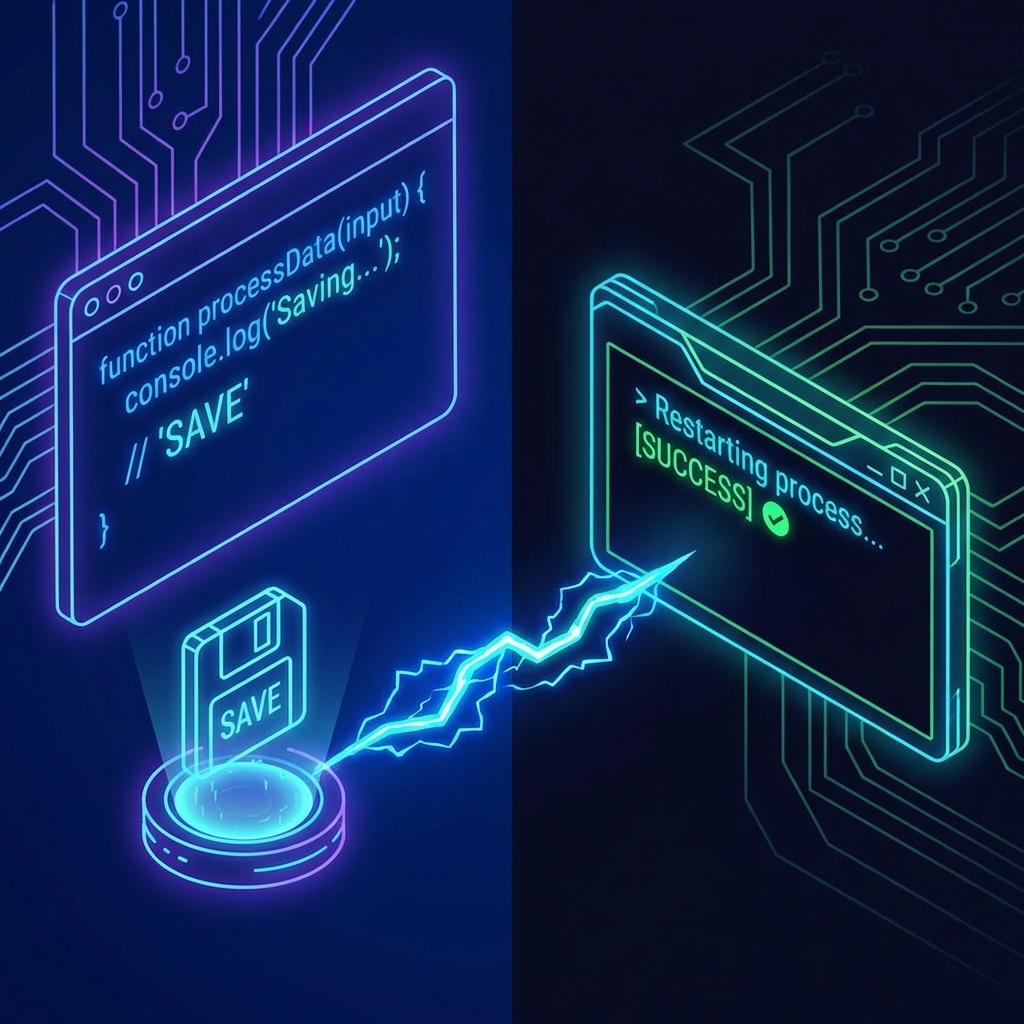
[!TIP] Why use this? It’s built-in, fast, and requires zero installation. For most simple scripts and microservices, this is all you need.
The Industry Standard: nodemon
Section titled “The Industry Standard: nodemon”Before node --watch came along, there was Nodemon (Node Monitor). It’s the seasoned veteran of the industry. You will see it in almost every older Node.js tutorial and existing codebase.
While node --watch is great for simple stuff, nodemon is like a director with a megaphone and a clipboard—it offers way more control (ignoring specific files, delaying restarts, running non-node scripts, etc.).
Option A: The “Studio Executive” (Global Install)
Section titled “Option A: The “Studio Executive” (Global Install)”You can install nodemon globally on your machine so you can use it on any project, anytime.
npm install -g nodemon(On Mac, you might need to add sudo before npm if you get permission errors)
Now you can run any file with:
nodemon app.jsOption B: The “Project Manager” (Dev Dependency)
Section titled “Option B: The “Project Manager” (Dev Dependency)”Best Practice Alert: In professional projects, we usually install tools locally as “Development Dependencies”. This ensures that everyone working on the project uses the exact same version of the tool.
npm install --save-dev nodemonYou’ll see it appear in your package.json under "devDependencies".
Since it’s installed locally, you can’t just type nodemon in your terminal.
You usually run it via an NPM script (which we’ll cover later!).
Extra Bits & Bytes
Section titled “Extra Bits & Bytes”Node —watch Docs
Nodemon.io
⏭ Cut to the Core (Modules)
Section titled “⏭ Cut to the Core (Modules)”Our stage is set, our director is ready. Now let’s open up the toolbox and see what raw materials Node gives us to build with.