Module Systems (CJS & ESM)
The Tale of Two Systems
Section titled “The Tale of Two Systems”In the beginning, JavaScript had no official way to share code between files. It was the Wild West. When Node.js was built, it needed a way to manage dependencies, so it adopted CommonJS (CJS). This became the standard for years.
Then came ES Modules (ESM)—the official, standardized module system for JavaScript, aimed at unifying the browser and the server. Now, Node.js speaks both languages, but they work quite differently.
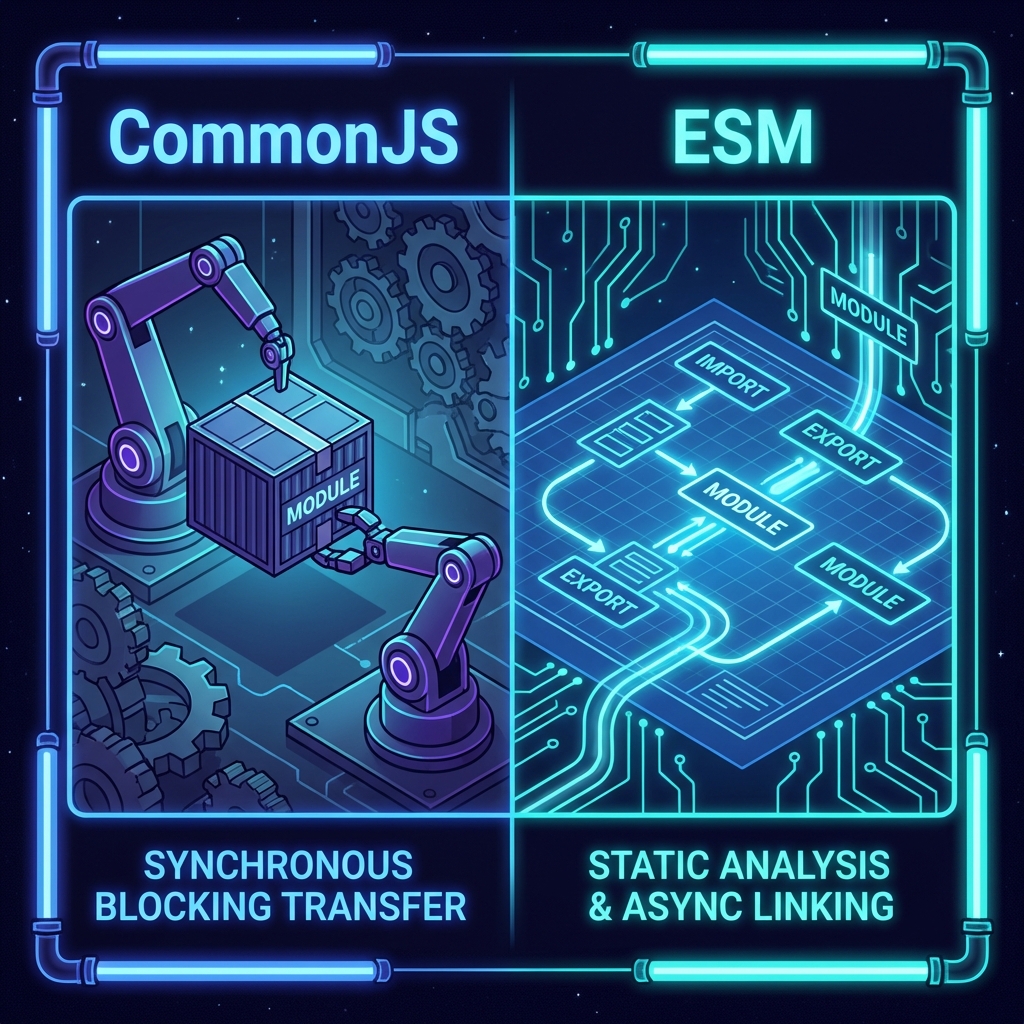
Think of it like two different logistics companies operating on the same construction site.
CommonJS (The Legacy Standard)
Section titled “CommonJS (The Legacy Standard)”CommonJS is the “Industrial Supply Chain.” It’s practical, synchronous, and built for the server.
When you use require(), you are filling out a Requisition Form and handing it to a clerk who immediately runs to the warehouse, grabs the item, and puts it in your hand before you can do anything else.
require(): The order form. It loads the file synchronously.module.exports: The shipping container. Whatever you put in here is what gets shipped.
The Requisition (require)
Section titled “The Requisition (require)”// "Go get the http module right now."const http = require('http');
// "Go get our tools."const tools = require('./utils');The Shipment (module.exports)
Section titled “The Shipment (module.exports)”const tools = { hammer: '🔨', drill: '🔫',};
// Pack the containermodule.exports = tools;ES Modules (The Modern Standard)
Section titled “ES Modules (The Modern Standard)”ESM is the “Architectural Blueprint.” It’s static, asynchronous-friendly, and standardized across the entire JS ecosystem (browsers included).
When you use import, you are drawing a dependency line on a blueprint. The engine scans all these lines before running the code to build a complete dependency graph.
import: The dependency declaration.export: The public interface.
The Blueprint (import)
Section titled “The Blueprint (import)”To use ESM in Node, you either need to use the .mjs extension or add "type": "module" to your package.json.
// "I will need these items to function."import http from 'node:http';import { hammer } from './utils.js'; // Note the extension!The Offerings (export)
Section titled “The Offerings (export)”export const hammer = '🔨';export const drill = '🔫';
// Or a default exportexport default { hammer, drill };The Showdown: CJS vs. ESM
Section titled “The Showdown: CJS vs. ESM”Which one should you use? Here is the breakdown.
| Feature | CommonJS (CJS) | ES Modules (ESM) |
|---|---|---|
| Syntax | require / module.exports | import / export |
| Loading | Synchronous (Dynamic) | Asynchronous (Static Analysis) |
| Top-Level Await | No (requires async wrapper) | Yes (very distinctive) |
| Browser Native? | No | Yes |
__dirname | Available | Not available (needs polyfill) |
| Magic | require can be dynamic | import paths are static |
Warning:
You can import CJS into ESM, but you cannot require() an
ESM file in CJS.
✅ import module from './commonjs-file.js' - Works!
❌ require('./esm-file.mjs') - Crashes! Use await import() instead
Extra Bits & Bytes
Section titled “Extra Bits & Bytes”CommonJS vs ES Modules Demo Repo
⏭ File System Freedom with FS
Section titled “⏭ File System Freedom with FS”In Node.js, we’re free from the sandbox of the browser. We can do (almost) anything we want with folders and files on the server.