Working with the File System (fs)
The Site Inventory & Records
Section titled “The Site Inventory & Records”In the browser, your JavaScript is like a visitor looking through a glass window at a construction site. You can see the work happening, you can wave at the workers, but you can’t just walk in and start opening filing cabinets or moving tools around. This is the Sandbox—a safety measure to keep the user’s computer safe from malicious code.
Node.js drops the glass.
In Node, you are the Site Manager. You have the keys to the office. You can open the filing cabinets (read files), write new records (create files), and even shred old documents (delete files). The fs (File System) module is your master key.
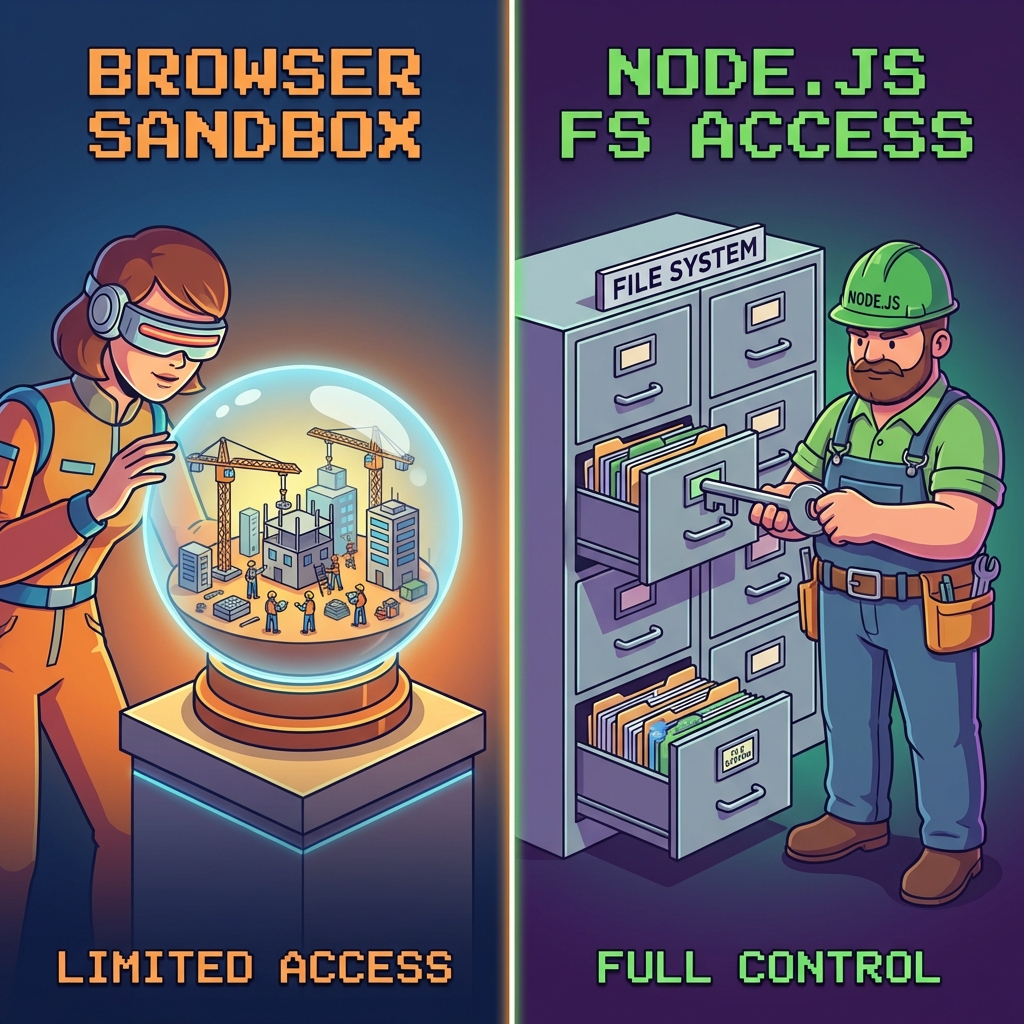
Image Specialist Brief:
- Concept: “The Sandbox vs. The Keymaster”
- Left Side (Browser): A kid (or a user) looking at a toy construction site inside a glass box or bubble. They can’t touch it. Label: “Browser Sandbox”.
- Right Side (Node.js): A Construction Foreman (wearing a Node.js hardhat) unlocking a heavy-duty filing cabinet or opening a tool shed. They have full access. Label: “Node.js File System”.
- Style: Neo-Retro, consistent with previous diagrams.
Accessing the Archives (fs)
Section titled “Accessing the Archives (fs)”The fs module is a Core Module, meaning it’s built right into Node. You don’t need to install it from npm. You just requisition it.
Reading a File
Section titled “Reading a File”Let’s say we want to read a file called footer.html to serve it on our website.
'use strict';
const http = require('http');
// 1. Requisition the 'fs' module// We specifically ask for '.promises' to avoid the messy paperwork of callbacksconst fs = require('fs').promises;
const hostname = '127.0.0.1';const port = 3000;
const server = http.createServer((req, res) => {  // 2. Open the file cabinet and read the file  // __dirname ensures we are looking in the same folder as this script  fs.readFile(__dirname + '/partials/footer.html')    .then((contents) => {      // Success! We got the file.      console.log('File loaded successfully.');      res.statusCode = 200;      res.setHeader('Content-Type', 'text/html');      res.end(`<h1>Hello Node Server</h1>${contents}`);    })    .catch((err) => {      // Error! Maybe the file is missing or locked.      console.error('Could not read file:', err);      res.writeHead(500);      res.end('Server Error: Could not load footer.');    });});
server.listen(port, hostname, () => { console.log(`Server running at http://${hostname}:${port}/`);});Extra Bits & Bytes
Section titled “Extra Bits & Bytes”File System (fs) Demo Repo
File System Docs (Official)
⏭ What do YOU Node?
Section titled “⏭ What do YOU Node?”We’ve covered a lot of ground. We’ve learned the basics.
Are you ready to flex your skills? (Optional) Challenges ahead…