Show what you Node?
The Blueprint Audit
Section titled “The Blueprint Audit”Professor Solo says:
“Alright, coders. You’ve got your hard hat (Node.js) and your tool belt (NPM). But before we construct the scaffolding, we need to verify your gear. This is the Blueprint Audit.”
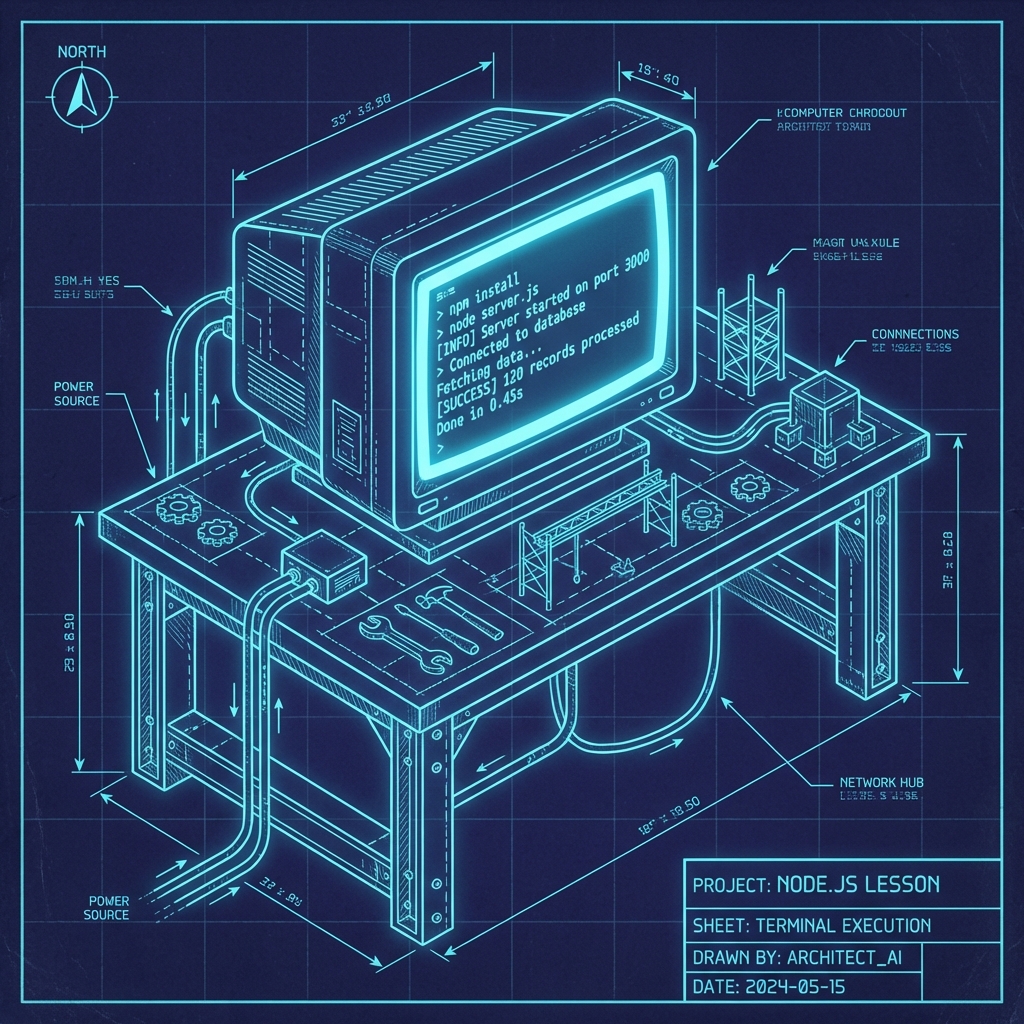
Phase 1: Environment Check
Section titled “Phase 1: Environment Check”First things first. Let’s make sure your tools aren’t made of plastic. Open your terminal (that’s your job site from now on).
-
Check your Node engine.
Terminal window node -vYou should see a version number like
v22.x.xor higher. -
Check your Package Manager.
Terminal window npm -vIf this errors out, you didn’t install the tool belt properly.
Phase 2: The REPL Playground
Section titled “Phase 2: The REPL Playground”Before we write permanent blueprints (files), we test in the sandbox. Enter the Read-Eval-Print Loop.
nodeYou should see the welcome caret:
>
Complete these challenges strictly inside the REPL:
- Calculate the materials: Multiply
124by8. - String construction: Create a constant
const name = "Rookie". - Yelling match: Convert that name to uppercase using
.toUpperCase(). - Exit strategy: How do you get out? (Hint:
.exitorCtrl+Ctwice).
Phase 3: The First Script
Section titled “Phase 3: The First Script”The REPL is for scribbles. Scripts are for blueprints. Let’s create your first official “Site Manifest”.
-
Create a file named
manifest.js. -
Add this code to handle command line arguments:
manifest.js const args = process.argv.slice(2);const username = args[0] || "Stranger";console.log(`👷 Site Foreman: Welcome to the job site, ${username}.`);console.log(" Get your hard hat on. We have work to do."); -
Run it with your name:
Terminal window node manifest.js YourName
Phase 4: Module Mystery (Light)
Section titled “Phase 4: Module Mystery (Light)”Every good site needs a status report. Node comes with built-in tools (Modules) so you don’t have to build a hammer from scratch.
-
Modify your
manifest.jsto include the OS Module:const os = require("os");// ... previous code ...console.log("-----------------------------------------");console.log(`🖥️ System Uptime: ${os.uptime()} seconds`);console.log(`🏠 Home Directory: ${os.homedir()}`);console.log("-----------------------------------------"); -
Run it again. Watch the data pour in.
How’d You Do?
Section titled “How’d You Do?”Before you clock out, verify you have:
- Passed the
node -vcheck. - Played in the REPL (and escaped it!).
- Created
manifest.js. - Successfully ran
node manifest.js [YourName]. - Saw your System Uptime logged to the console.
🤖 AI Co-Pilot Challenges
Section titled “🤖 AI Co-Pilot Challenges”Want to dig deeper? Try these experiments with your AI assistant.
1. Explain the Magic
Section titled “1. Explain the Magic”Paste your manifest.js code into an AI and ask:
“Explain how
process.argvworks in this code like I’m 10 years old. Draw a diagram of the array indices.”
2. Expand the Toolkit
Section titled “2. Expand the Toolkit”We used os.uptime(). Ask an AI:
“What are 3 other cool methods in the Node.js
osmodule that I can use to get info about my computer? Give me code examples.”
3. Debug the Site (Broken Code)
Section titled “3. Debug the Site (Broken Code)”Copy this broken code into a new file called broken.js. It will crash. Try to fix it yourself first by reading the error message. If you get stuck, paste the error into an AI.
console.log("Checking system memory...");console.log(`Total Memory: ${os.totalmem()}`); // Error!console.log("System check complete.");Hint: Did we forget to visit the supply closet?
“Great work, engineers. Take a break. Next, we hit the Node.js expressway.” — Professor Solo