Aerodynamic Syntax
Reducing the Drag Coefficient
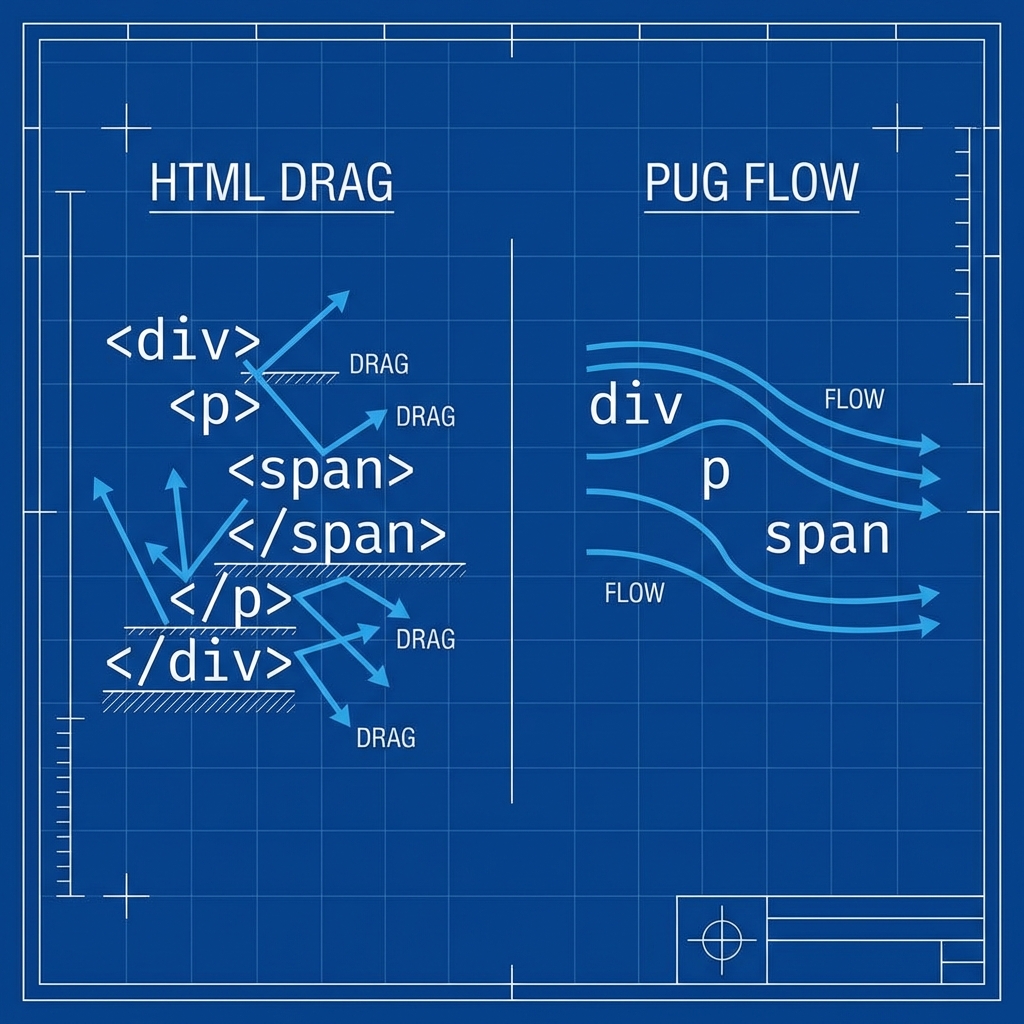
Section titled “Reducing the Drag Coefficient”In the wind tunnel, every protruding bolt creates turbulence. Standard HTML is full of drag: closing tags, angle brackets, and redundant type definitions. Pug smoothes all of that out.
This isn’t just about looking cool; it’s about efficiency. We define an element by its name, and its relationship to other elements is defined purely by indentation. If it’s indented, it’s inside.
Classes and IDs
Section titled “Classes and IDs”Pug borrows the sleek syntax of CSS selectors. You don’t need class="" or id="" attributes for the basics.
//- HTML: <div class="container">.container
//- HTML: <button id="submit-btn" class="btn primary">button#submit-btn.btn.primary
//- HTML: <h1 class="main-title">Propulsion</h1>h1.main-title Propulsion
Attributes
Section titled “Attributes”For other attributes (like src, href, lang), we use parentheses. Think of these as the tuning settings for a specific part.
//- Basic Layoutdoctype htmlhtml(lang="en")  head    meta(charset="UTF-8")    title Aero Lab    link(rel="stylesheet", href="/css/style.css")
  body    //- Multiline attributes for readability    input(      type="text"      name="username"      placeholder="Pilot Name"      required    )
[!CAUTION] Solo Warning: Pug does NOT use closing tags. If you try to add
</p>or</div>, Pug will treat it as plain text and print it to the screen, and you will look foolish.
Testing the Airflow (Nesting)
Section titled “Testing the Airflow (Nesting)”Indentation is the only thing holding your HTML structure together.
header nav a(href="/") Home a(href="/about") About a(href="/josh") Josh a(href="/things") Things h1 // Pug_View_Enginemain⏭ Static Test Run
Section titled “⏭ Static Test Run”The blueprints look fast. Let’s wind up the turbine and render a static view.
Next Lap: Building your first .pug file.