Static Test Run
The Wind Tunnel Test
Section titled “The Wind Tunnel Test”We’ve installed the engine and learned the aerodynamics. Now it’s time to build a test chassis and put it through the wind tunnel. A “static view” means the car looks the same every lap—no dynamic data, just pure structure.
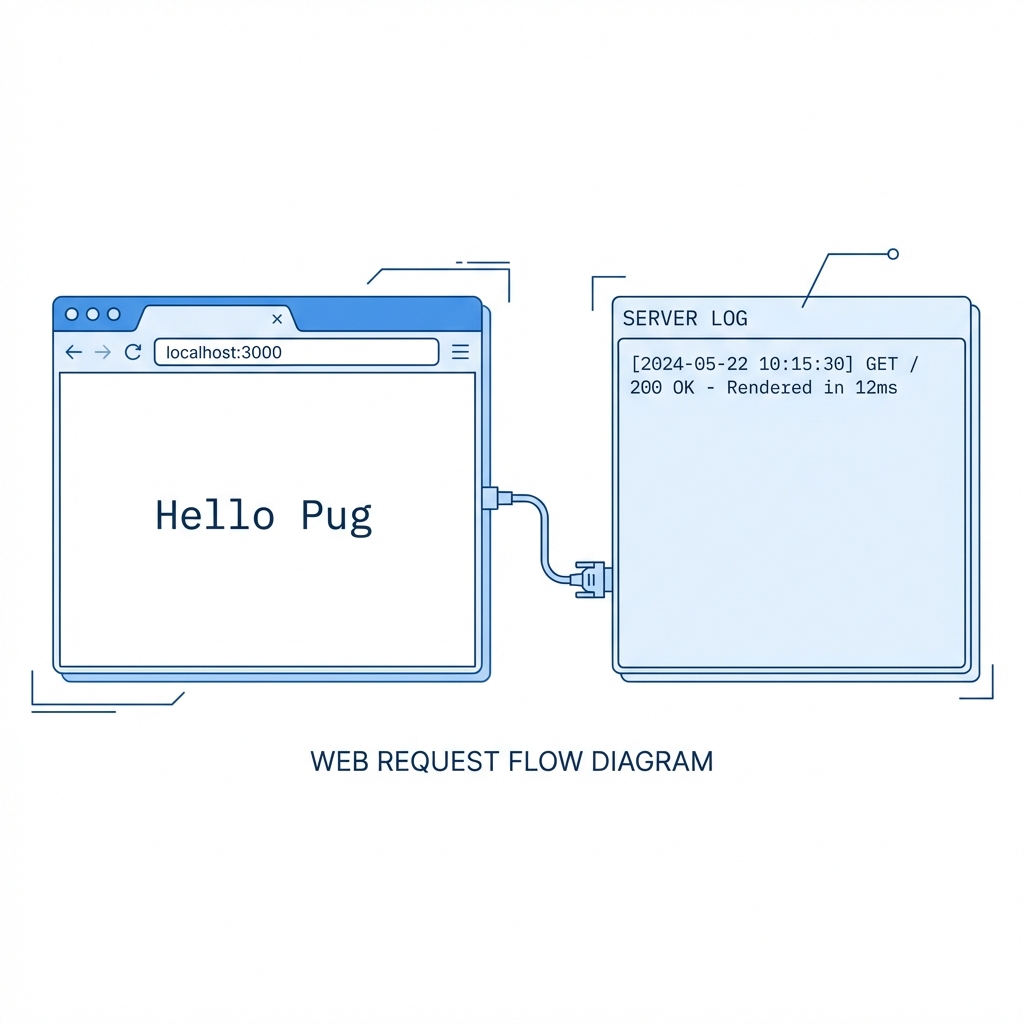
In this phase, we ensure that our indentation holds up under pressure and that the Express server can successfully paint the chassis (render the HTML) to the browser.
The View File
Section titled “The View File”Create a file named static.pug inside your views/ directory.
//- views/static.pugdoctype htmlhtml(lang="en")  head    meta(charset="UTF-8")    meta(name="viewport", content="width=device-width, initial-scale=1.0")    title Static Pug Test  body    header      h1 Static Material
    main      p.lead This content is hard-coded into the chassis.      p It will not change unless we rebuild the file.
      div.container        span Indentation Check:        |  Passed.
[!TIP] T.A. Watts says: See that
|character in the last line? That’s the Piped Text operator. It allows you to put plain text on a new indented line without creating a new tag. Useful for keeping your source code narrow.
The Server Route
Section titled “The Server Route”Now, tell the pit crew (Express) to render this specific chassis when the driver requests the route.
app.get("/static", (req, res) => { // We don't need the .pug extension here // Express finds 'static.pug' based on the view engine setting res.render("static");});Extra Bits & Bytes
Section titled “Extra Bits & Bytes”Pug Static Views - GitHub Repo
⏭ Injecting Fuel
Section titled “⏭ Injecting Fuel”Static cars are for museums. We want to race. It’s time to pump some dynamic fuel into this engine.
Next Lap: Buffered code and interpolation.