Dynamic Fuel Injection
High-Octane Output
Section titled “High-Octane Output”We’ve built the chassis (static HTML structure), but now we need to inject the fuel (dynamic data). In Pug, we distinguish between code that runs silently (tuning) and code that pumps output to the screen (combustion).
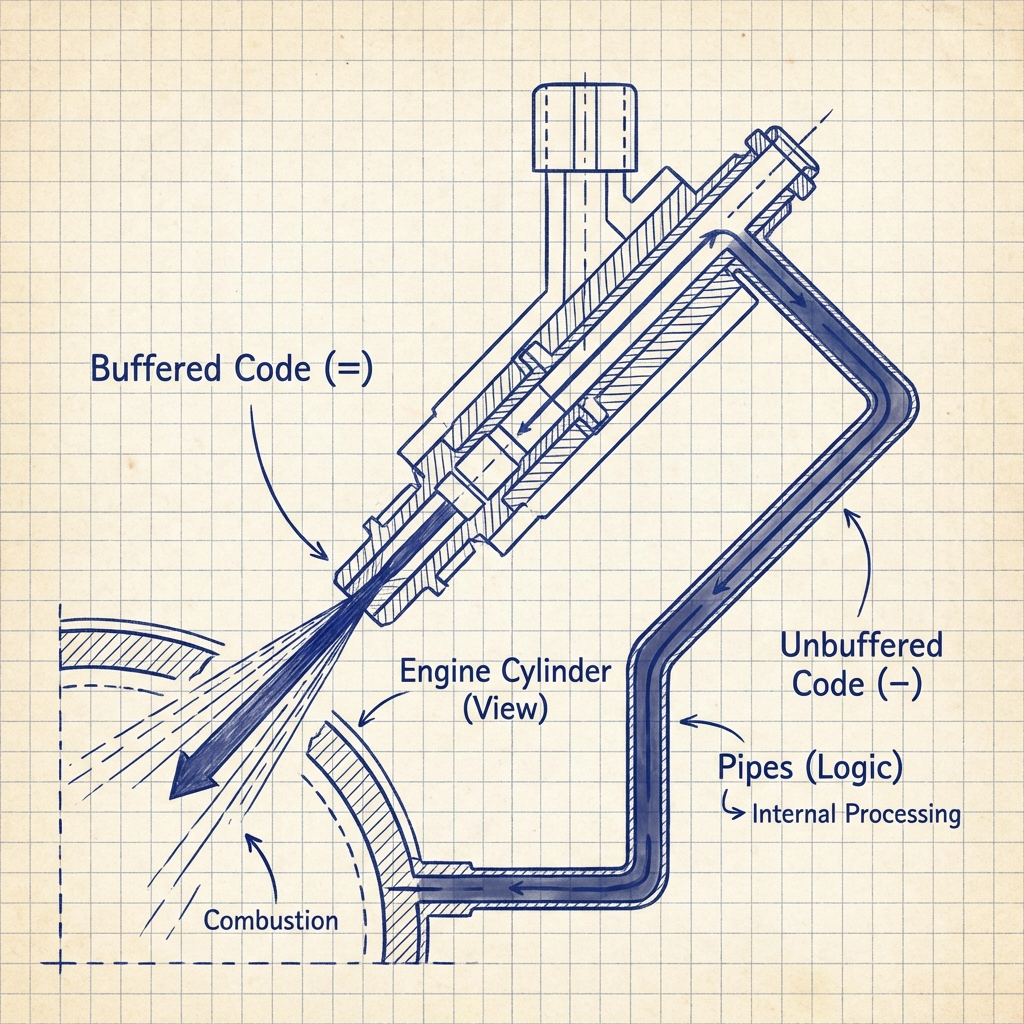
Buffered Code (=)
Section titled “Buffered Code (=)”Buffered code executes JavaScript and outputs the result into the template. The = sign is the injector nozzle.
//- Assume we passed this data in the res.render() method://- { username: "Lewis", wins: 7 }//- Using the equals signh1= usernamep Wins needed to beat record:span= 8 - wins
//- Output://- <h1>Lewis</h1>//- <p>Wins needed to beat record: <span>1</span></p>[!NOTE] T.A. Watts says: The
=outputs escaped HTML by default. If you want to output raw HTML (dangerous!), you used!=. But don’t do that unless you have a death wish for your security audit.
Unbuffered Code (-)
Section titled “Unbuffered Code (-)”Sometimes you need to run logic (declare variables, do math) without printing anything. Use the hyphen - to run silent JS.
- const teams = ["Red Bull", "Mercedes", "Ferrari"]- const currentChamp = "Max"
p The current champion driving for #{teams[0]} is #{currentChamp}.
Interpolation (#{})
Section titled “Interpolation (#{})”When you want to inject a variable right into the middle of a text block, use the hash-brace syntax. This is our version of template literals.
.stat-box  h3 Driver Stats  p Driver #{username} has #{wins} wins.
  //- You can run valid JS inside the braces  p Win Rate: #{(wins / 100) * 100}%
Extra Bits & Bytes
Section titled “Extra Bits & Bytes”Pug Dynamic Fuel - GitHub Repo
⏭ Steering Logic
Section titled “⏭ Steering Logic”Now that we have fuel, we need to steer. Let’s learn to control the flow with conditionals.
Next Lap: If/Else blocks and Case Satements.