Pocket Node-o-Dex
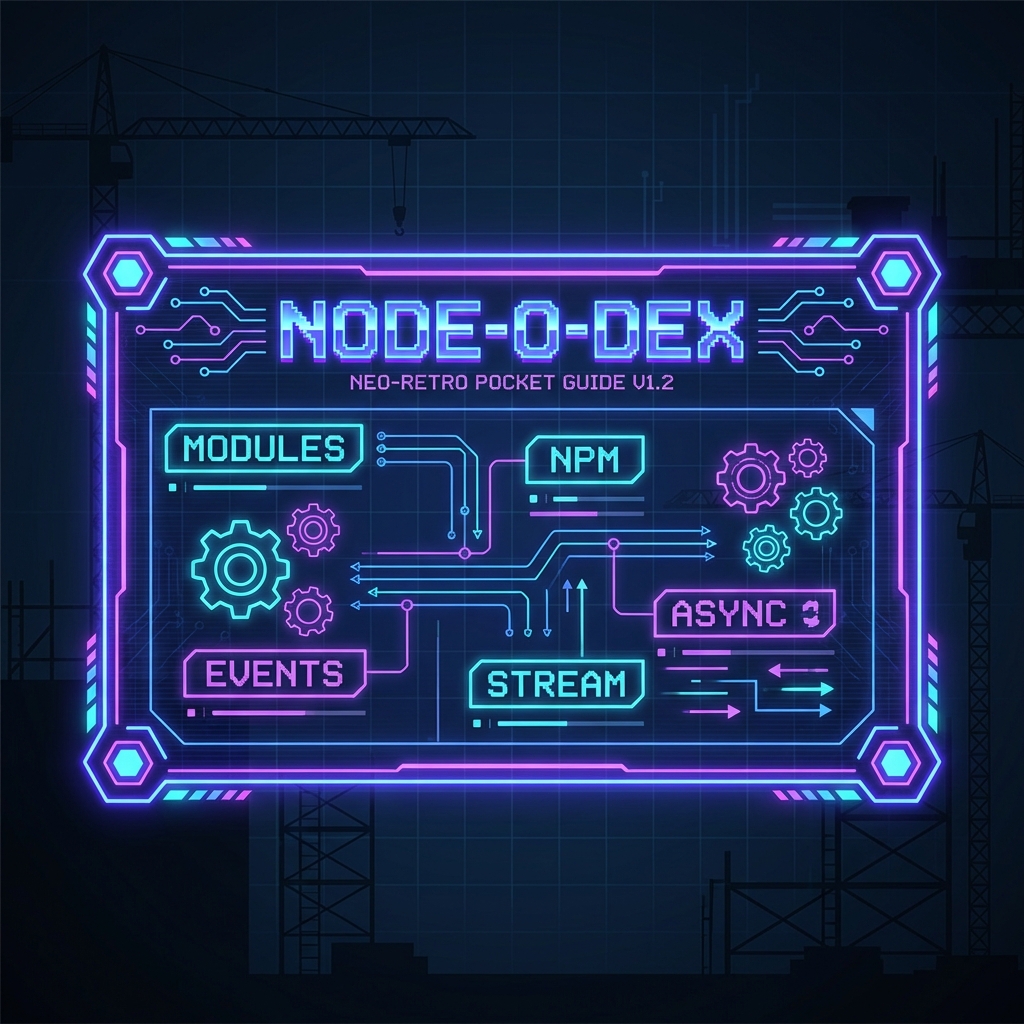
The Emergency Manual
Section titled “The Emergency Manual”“Don’t lose this, kid. It’s the only thing standing between you and a stack trace.” — Professor Solo
Welcome to the Node-o-Dex. This is your “Hard Hat Required” quick reference for everything we’ve built so far. No fluff, just the specs.
1. Browser vs. Node
Section titled “1. Browser vs. Node”One language, two very different job sites.
| Feature | Browser (The Sandbox) | Node.js (The Construction Site) |
|---|---|---|
| Role | UI Interactivity | Backend Logic & Systems |
| Global Object | window (The Glass Box) | global (The Foreman) |
| DOM Access | Yes (document.querySelector) | NO (There is no HTML!) |
| File System | Restricted (Security) | Full Access (fs) |
2. The Ignition Commands
Section titled “2. The Ignition Commands”The essential CLI tools to start your engines.
| Command | Action |
|---|---|
node -v | Checks your installed Node.js version. The “VIN number” of your engine. |
node [file] | Executes a JavaScript file (e.g., node app.js). Starts the machinery. |
node | Enters the REPL (Read-Eval-Print Loop). Your interactive testing workbench. |
3. Site Vitals (Globals)
Section titled “3. Site Vitals (Globals)”Variables that are always available on the job site. No import required.
global: The top-level scope (likewindow, but for the server).__dirname: The absolute path to the directory the current file is in.__filename: The absolute path to the current file itself.process: The master control object. Environment variables, args, and exit codes.
4. The Supply Chain (Arguments)
Section titled “4. The Supply Chain (Arguments)”Getting materials into the site at runtime.
process.argv: An array containing command line arguments.- Path to Node executable.
- Path to current script.
- Your custom arguments (e.g.,
user).
node app.js --user=Solo# process.argv[2] === "--user=Solo"5. The Plumbing (CommonJS)
Section titled “5. The Plumbing (CommonJS)”How we connect the pipes. Node’s legacy module system.
Exporting a Module (The Supply Line):
const log = (msg) => console.log(msg);module.exports = log; // Handing off the toolImporting a Module (The Intake):
const logger = require('./logger'); // Grabbing the toollogger('System Online');6. Async by Design
Section titled “6. Async by Design”Node.js is Non-Blocking. It doesn’t wait for heavy lifting (I/O) to finish before moving to the next task.
- Blocking (Synchronous): The foreman waits for the cement to dry before laying bricks. (Bad for performance).
- Non-Blocking (Asynchronous): The foreman pours cement, moves to lay bricks elsewhere, and comes back when it’s dry.
7. Terminal Shortcuts
Section titled “7. Terminal Shortcuts”Quick reflexes for the command line operator.
- Kill Process:
Ctrl + C(The Emergency Stop Button). - Clear Screen:
Ctrl + Lor typeclear(Sweeping the floor).
8. The Toolbelt (Core Modules)
Section titled “8. The Toolbelt (Core Modules)”Standard issue gear. No installation required.
| Module | Purpose |
|---|---|
fs | File System: Read, write, and manage files. |
path | Path Manipulation: Handle file paths safely across OSs (Mac/Windows). |
os | Operating System: Check specs (CPU, Memory, Uptime). |
http | Networking: Create servers and handle requests. |
9. File Operations (FS)
Section titled “9. File Operations (FS)”Reading the blueprints.
Reading a File (Async/Promises):
const fs = require('fs').promises; // Modern, Async
// Reading 'manifest.txt'fs.readFile('./manifest.txt', 'utf-8')  .then((data) => console.log('Manifest:', data))  .catch((err) => console.error('Lost the paperwork:', err));
10. Simple HTTP Server
Section titled “10. Simple HTTP Server”Spinning up a basic web server without any framework scaffolding.
const http = require('http');
// Blueprint for the serverconst server = http.createServer((req, res) => {  if (req.url === '/') {    res.write('<h1>Job Site Open</h1>');    res.end();  }});
// Open for business on port 3000server.listen(3000);console.log('Server running on port 3000...');
[!TIP] Solo’s Pro-Tip: “Put that ‘Live Server’ EXTENSION away for now and for node. We use
node —watch app.json this site. It restarts the server for us when we save files, but… we will still have to manually refresh the browser for front-end changes.
Extra Bits & Bytes
Section titled “Extra Bits & Bytes”📘 Intro to Node.js Study Guide (PDF)